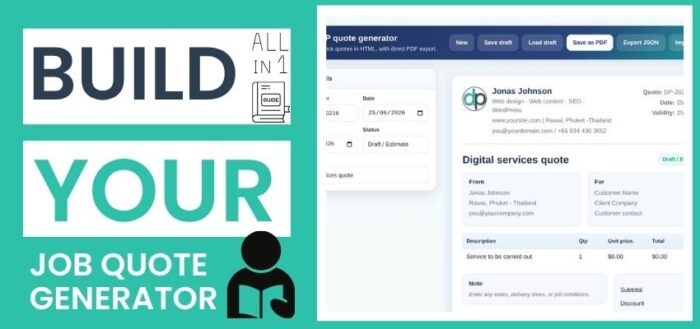
How to Build Your Own Quote Generator (Online or Offline) Without Paying Monthly Fees

Table of Contents
Why most quote tools are overkill
If you’ve ever searched for a quote generator, you’ve probably seen dozens of tools promising automation, integrations, and advanced features.
But here’s the reality:
most freelancers, designers, and consultants don’t need all that.
What they need is:
- something fast
- something simple
- something customizable
- something they actually control
Instead, they end up paying monthly subscriptions for tools they barely use.
The good news?
You can build your own quote generator in a couple of hours — and it can be faster and more efficient than most SaaS solutions.
What you actually need to build a quote generator
At its core, a quote generator is just a combination of:
- HTML → structure
- CSS → design
- JavaScript → logic
That’s it.
No frameworks, no backend, no database required.
Your entire system can run from a single .html file — even offline.
The structure: building the layout
The first step is defining your quote structure.
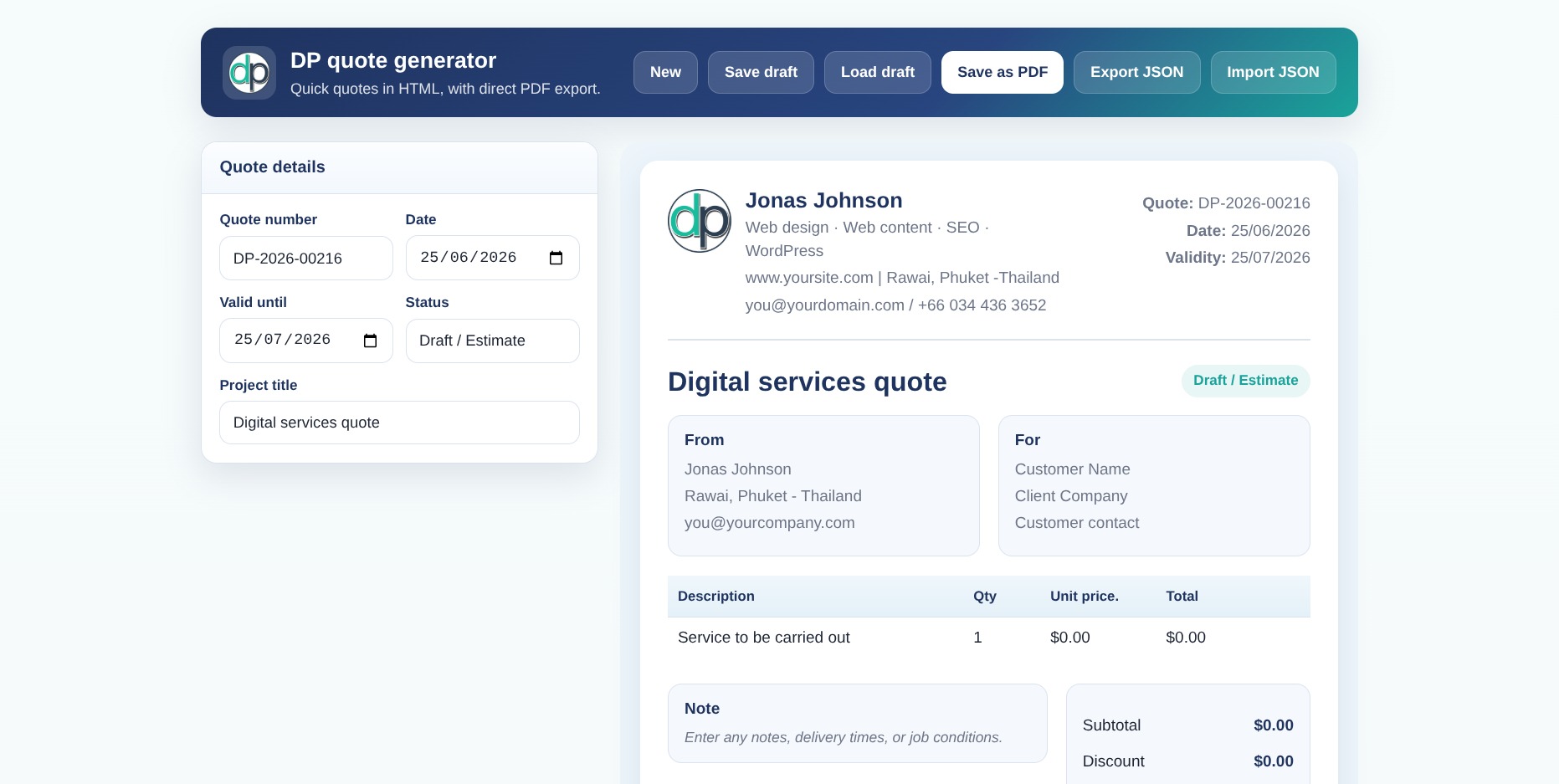
You’ll typically need:
- quote number and date
- client details
- project title
- list of services
- totals and notes
Even a very simple version looks like this:
 <input type="text" placeholder="Client name">
<input type="text" placeholder="Project title">

<table>
 <tr>
 <td><input placeholder="Description"></td>
 <td><input type="number"></td>
 <td><input type="number"></td>
 </tr>
</table>
From here, you can scale up into a complete system.
The logic: automatic calculations
The real power comes from JavaScript.
Instead of calculating totals manually, your quote updates in real time:
const total = quantity * price;
You can easily extend this to include:
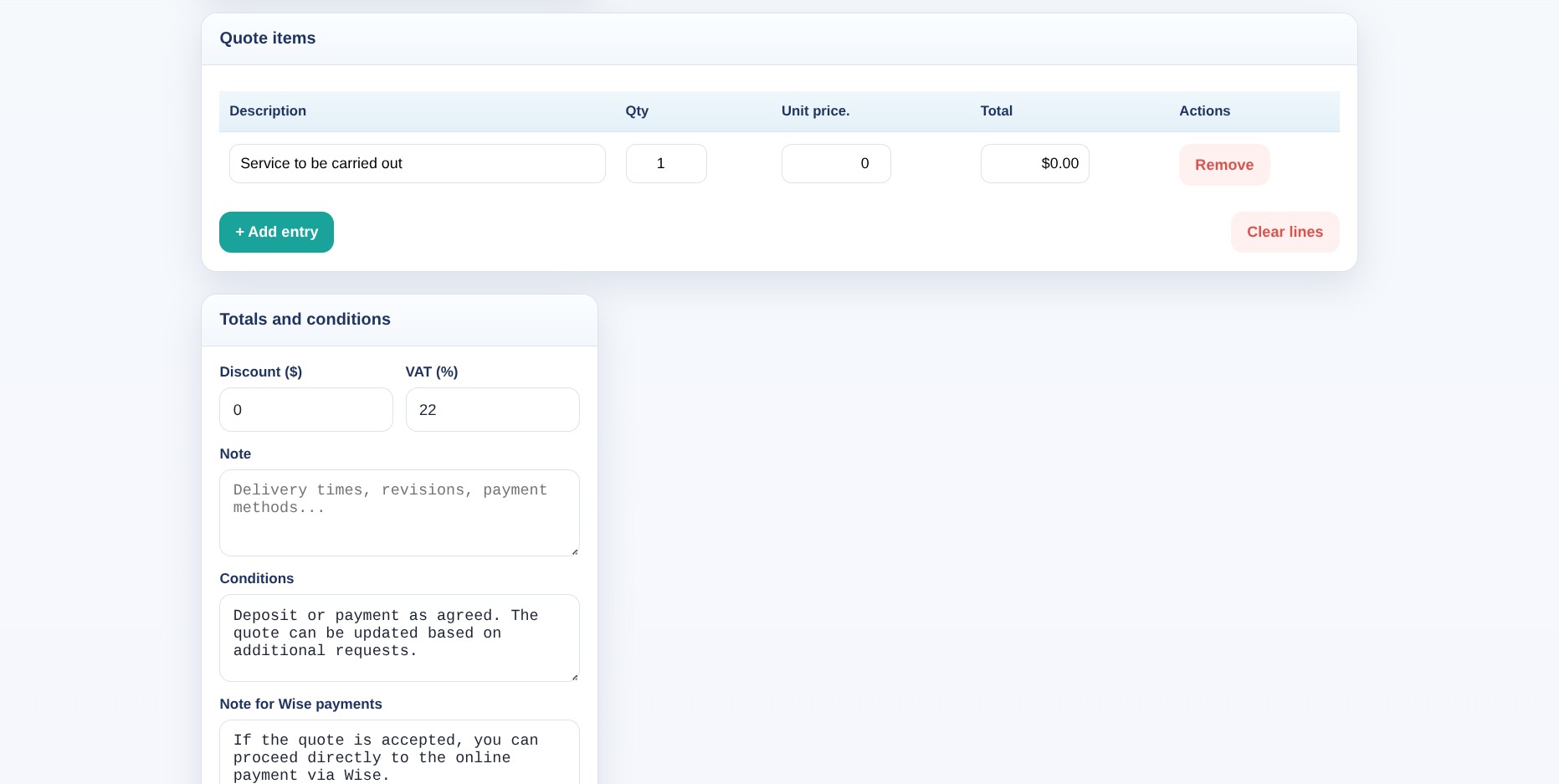
- subtotal
- discounts
- VAT or tax
- final total
This turns your document into a dynamic tool instead of a static form.
Exporting your quote as PDF
One of the biggest advantages of this approach is simplicity.
You don’t need external libraries.
You can export your quote using:
window.print();
With proper CSS (@media print), you can:
- hide editing panels
- keep only the clean layout
- generate a professional PDF
Saving and reusing quotes with JSON
This is where things get really powerful.
Instead of relying on a “save draft” button that stores only one version, you can export your quote as a JSON file.
That means:
- unlimited quotes
- full control over your data
- easy backups
- versioning (v1, v2, v3)
Example concept:
const data = getFormData();
Then export it:
JSON.stringify(data)
Now each quote becomes a file you can:
- store
- duplicate
- edit later
Download the Free Quote Generator
Get the exact HTML quote generator used in this tutorial. No subscriptions, fully customizable, works online and offline.
Why this is better than most SaaS tools
Most quote tools:
- lock your data inside their system
- limit customization
- charge recurring fees
With your own generator:
- everything is local
- everything is editable
- everything is yours
It’s basically a lightweight database — without the complexity.
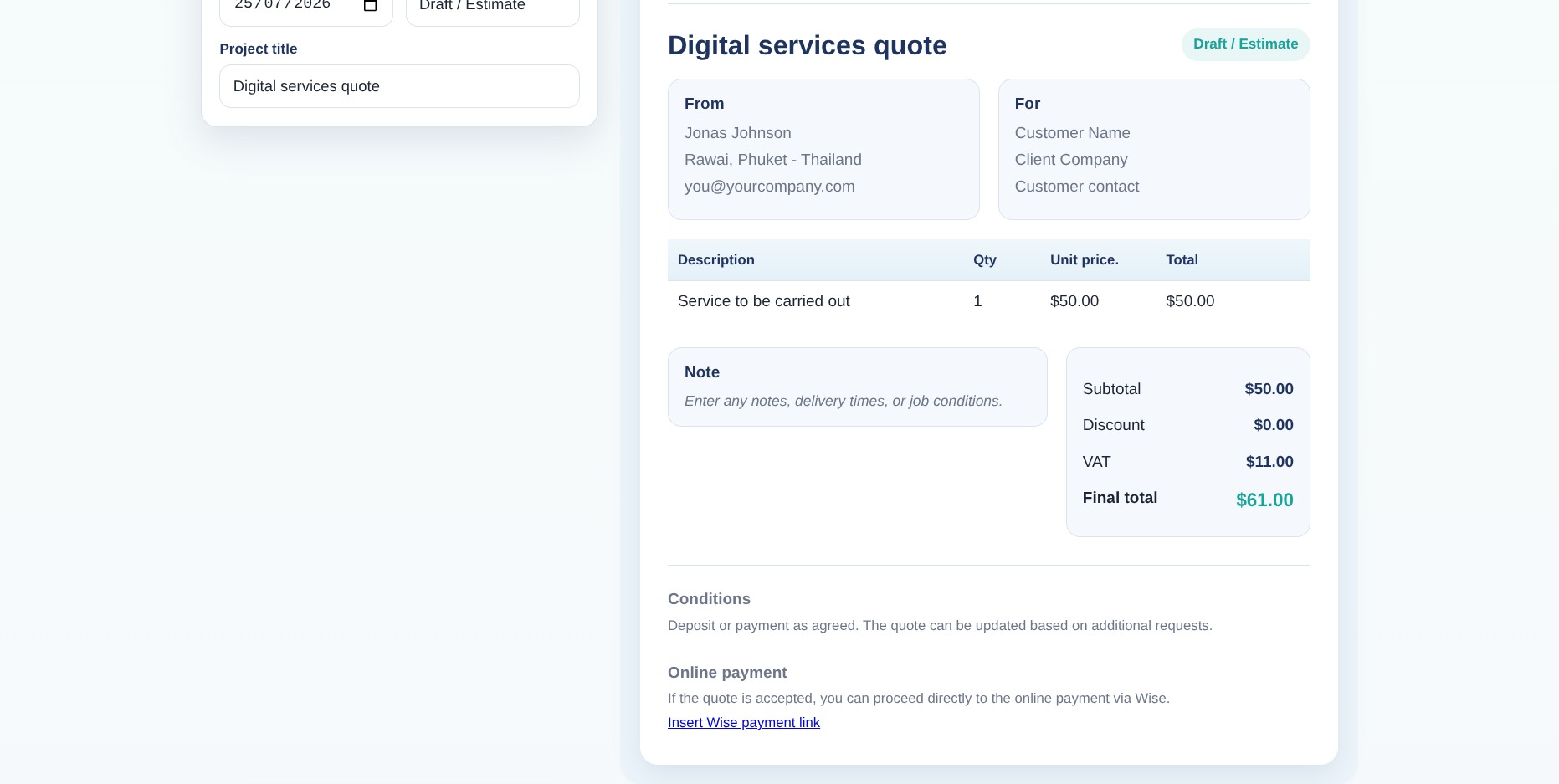
Adding online payments (Wise, Stripe, etc.)
A simple but powerful upgrade is adding a payment link.
For example:
- include a field for a Wise payment link
- add a short note in the quote
Something like:
If the quote is accepted, payment can be completed online.
This turns your quote into a conversion tool, not just a document.
Automatic quote numbering
A professional detail that makes a big difference.
You can generate progressive quote numbers using localStorage:
localStorage.setItem('quoteCounter', number + 1);
This ensures:
- consistent numbering
- no duplicates
- a cleaner workflow
Online vs offline: both options work
One of the best parts of this approach is flexibility.
Offline version
- runs locally
- extremely fast
- no internet required
Online version
- accessible from anywhere
- shareable
- usable across devices
Same tool, different use cases.
When this solution makes the most sense
This approach is perfect for:
- freelancers
- web designers
- developers
- SEO consultants
- small agencies
Especially if you:
- create quotes regularly
- want full control
- prefer simple tools over complex systems
Limitations (and why they usually don’t matter)
Of course, this is not a full business management system.
You won’t have:
- CRM features
- accounting integrations
- multi-user environments
But for most real-world workflows, you don’t actually need those.
Final thoughts
Building your own quote generator is one of those things that sounds complex… until you actually do it.
And once you have it:
- it’s faster than most tools
- it’s tailored to your workflow
- it costs nothing to maintain
Most importantly, it gives you control.
Instead of adapting your work to a tool,
you build a tool that adapts to your work.
Want a Custom Version?
If you need a more advanced version tailored to your workflow, I can build a custom quote generator for your business.
Frequently Asked Questions (FAQ)
Q: Can I create a quote generator without paying for software?
A: Yes, you can build a fully functional quote generator using HTML, CSS and JavaScript without any subscription or external tools.
Q: Can this quote generator work offline?
A: Yes, since it runs as a simple HTML file, it can be used completely offline without any internet connection.
Q: How do I save multiple quotes?
A: You can export each quote as a JSON file, allowing you to store, edit, and reload unlimited quotes anytime.

Digital Designer, blog writer and also a tech enthusiast.
He loves to write content for blogs, podcasts, design websites, logos, brochures, banners and anything that sends a message to an audience.
You can contact Daniele at the link below: