

WordPress backup and restore should be the very first thing to come in your mind even before start designing your site.
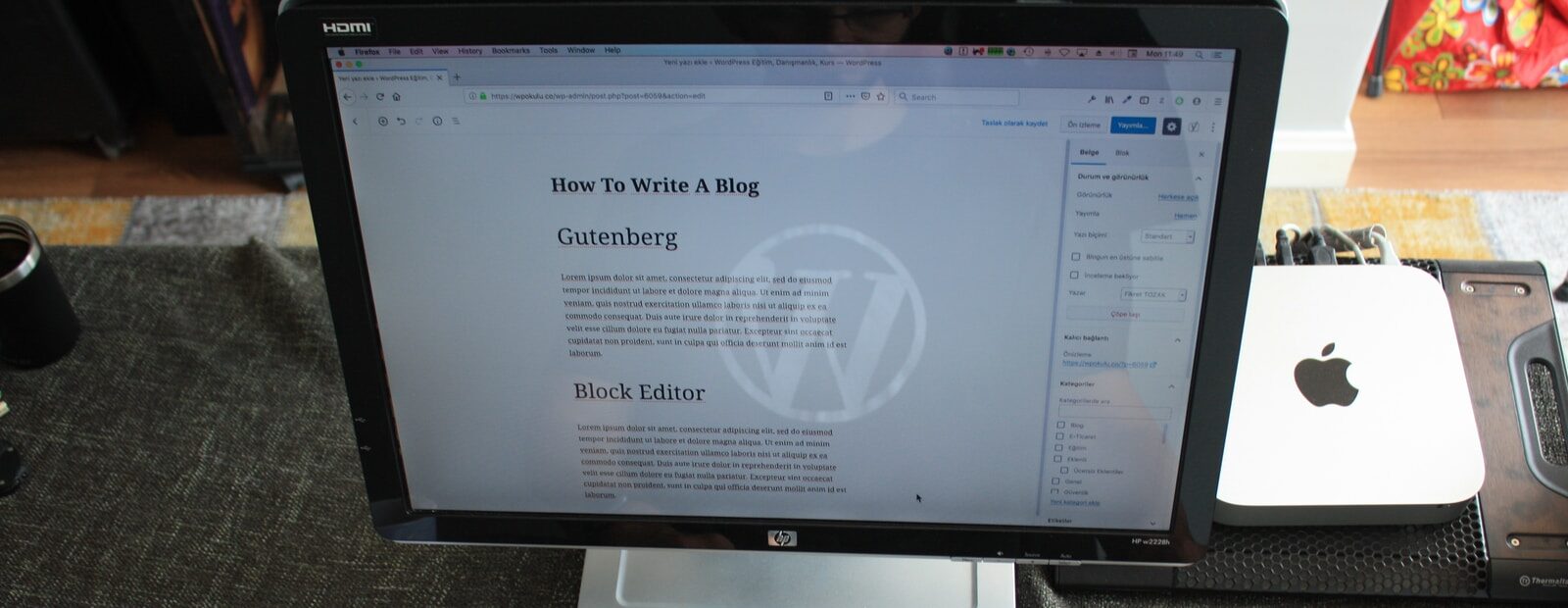
If you want to build a website, WordPress is a great choice. It is a free content management system written in PHP and paired with a MySQL or MariaDB database. In addition to the core code, WordPress has a template system and plugin architecture. Themes are a way to customize your site for specific purposes. There are more than four million Themes, and you can add your own to create a unique and dynamic experience.
Table of Contents
What’s a backup
Backups are crucial to the security of your website. A backup is an exact copy of your website’s data. Creating a backup can help prevent loss of your content or data. In addition, backups can be easily restored if your site is down for any reason. Make sure you back up your database at least once a week. Using the backup will make restoring your site a lot easier and less time consuming. Moreover, it will protect you from hackers and other malicious users.
To ensure that your website is safe, you must make backups of the database and content. Having a backup of your data will make it easy to restore your website if it ever goes down. You can use it to recover your site if there is a problem. If something happens to your site, you can easily restore it from the backup file. You should also change your password regularly. Keep it secure and remember that there are many ways to backup your website.
When are backups needed
Backups can help you recover your website when it goes down. If you make a backup of your website, you’ll be able to quickly and easily restore it in case of a disaster. It’s also a good idea to regularly update your WordPress software. By doing so, you’ll be able to ensure that your website is running smoothly for years to come. If you are unsure of how to back up your data, hire a specialist. They can help you find the best backup options for your site and even guide you with design decisions.
While most people are comfortable maintaining their own website, if you’re not sure about the details, you should hire a WordPress consultant. These professionals know how to use WordPress and can make your website work better for you. Not only will you have a backup of your database, but you’ll also have a backup of your files and database. Having a back up of your data is a crucial first step in maintaining a successful website.
Don’t forget the database
The next step in backing up your website is to back up your database and any other important information. Ideally, you should have a backup of your database and all of your site’s essential components, such as your website code files. Your WordPress backup should also include your database and any plugins or add-ons. Once you have a full backup, it’s time to restore it. Having a backup in place will help you keep your website up and running no matter what happens.

Digital Designer, blog writer and also a tech enthusiast.
He loves to write content for blogs, podcasts, design websites, logos, brochures, banners and anything that sends a message to an audience.
You can contact Daniele at the link below:


