Here is a Quick Referral Email Template Maker Tutorial For Your Weekend Spare Time
Imagine having to send the same email but directed to a different person and with a different affiliate link (customized for each of your customers). You probably would need a bespoke application to do so. Moreover, what if you wanted your prospects or clients to use your platform to generate those emails as they are not able to do so on their own?
Table of Contents
But couldn’t it be done with Mailgun / Mailchimp etc?
Generally the software that makes emails and newsletters offers you the possibility to send the same email to a large number of people, which is definitely a good thing, but in our case we don’t want to send the same content to everyone, but only part of it. And on top of this, remember that we need to provide (our client) the service for third parties.
Let me explain, imagine that the body of the email has one or two paragraphs of content that can be suitable for everyone, then maybe a video that explains something and so far we are all good as everyone can see it.
Referral links are all different
Now, however, imagine that you are referring or rather, as it happens in multi level marketing, that you are sending an email to your client, acquaintance, friend, colleague and who knows what else.
In this email you want to give him/her your referral link (which, however, is not universal but is niche as you have different links for each customer or person you send the email to) …I know it sounds a bit messy, crazy, complicated……but that’s what you get when you are on this business…nothing is easy… And that’s why we love it!
In short, it was a complicated task to say the least. Well, this was the need and request of our client …. who not only had this unusual request, but didn’t even want to use any system such as mailchimp / sendgrid / sendingblue mailgun etc.
The mail must be sent from a conventional system
That’s right, the customer asked us that the email should come from any email account such as Gmail / Hotmail and so on.
Ha … then add that this requirement was for the same day … READY!
So we created emailsys
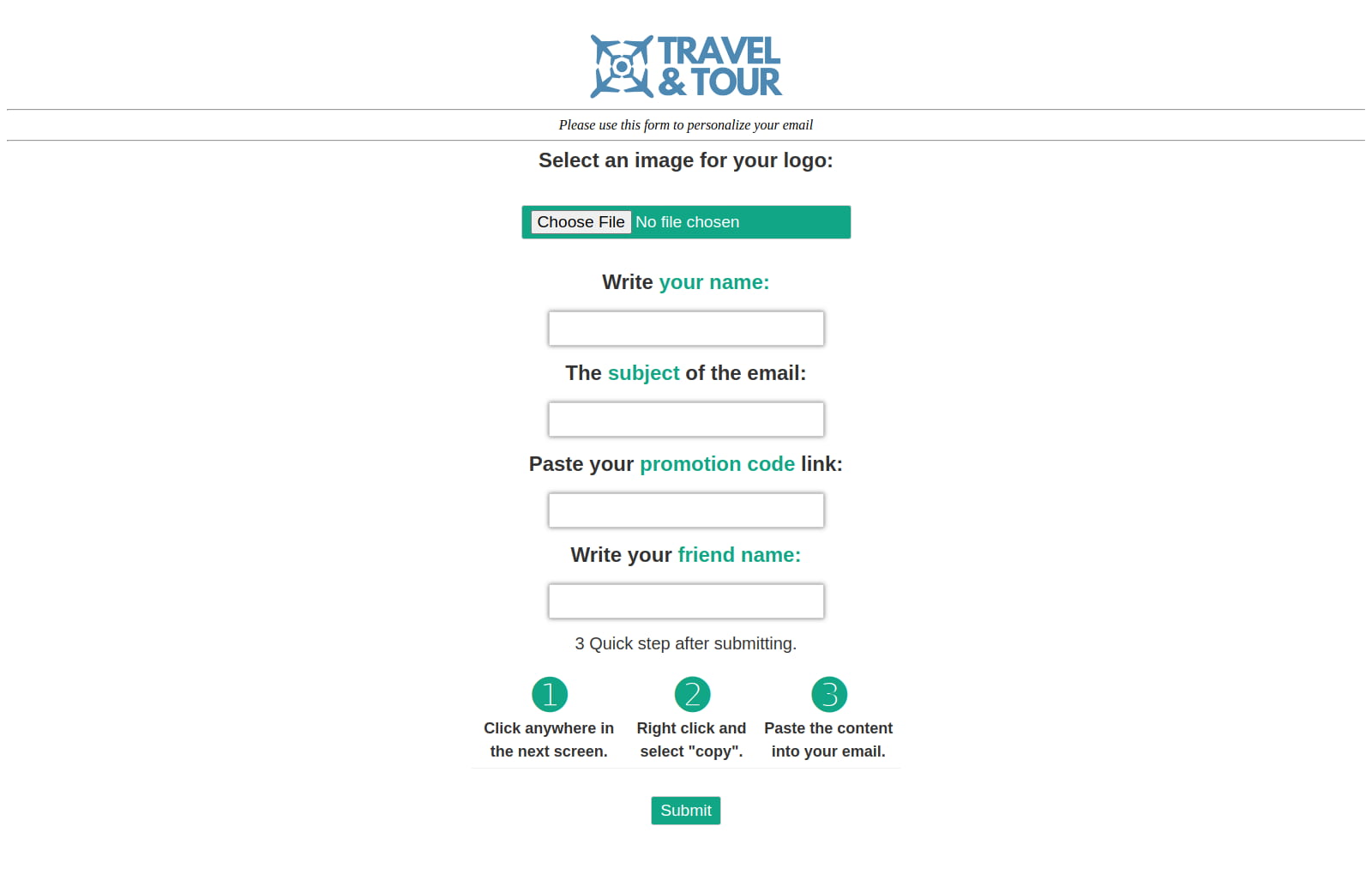
In reality there would be more ways to achieve this but we opted to write a couple of pages in HTML / PHP directly on the client’s server so that it had a script that would allow it to:
Emailsys practical operation – part 1
This were the objectives as requested by the client:
- Insert an image as a logo
- Write the name of the sender
- Write the subject of the message
- Write the promotional link
- Write the name of the customer / acquaintance / colleague
All this in a very simple way as the customer absolutely did not want this system to be complicated.
Emailsys practical operation – part 2
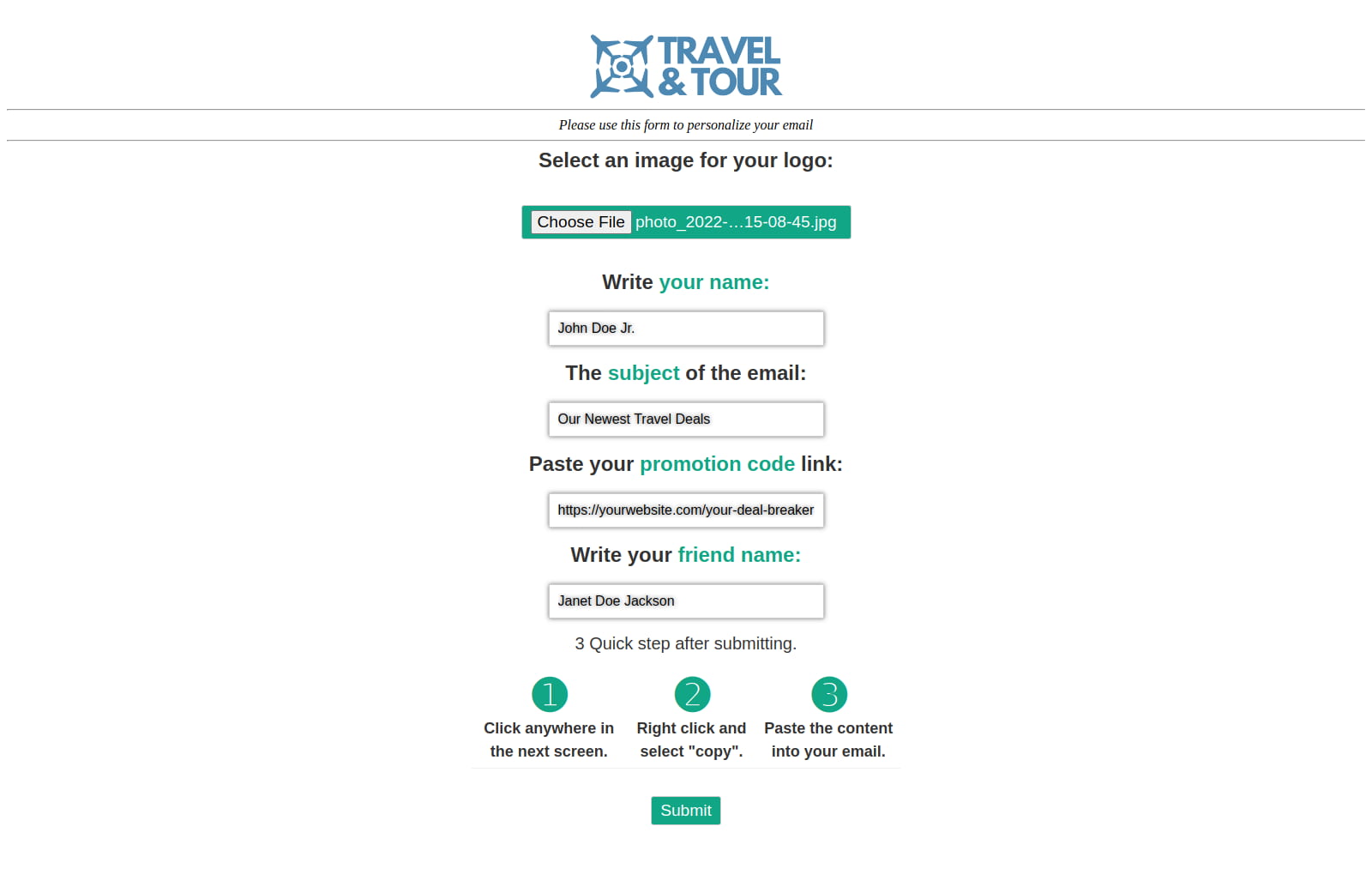
Well, now that we have just filled out the form on the customer’s web page we just have to: (again taken from the client objectives)
- Process the form by clicking the “send” button
- Click anywhere on the next screen
- Right click and select “copy”
- Paste the content into your Gmail or Hotmail email etc.
- Send the email
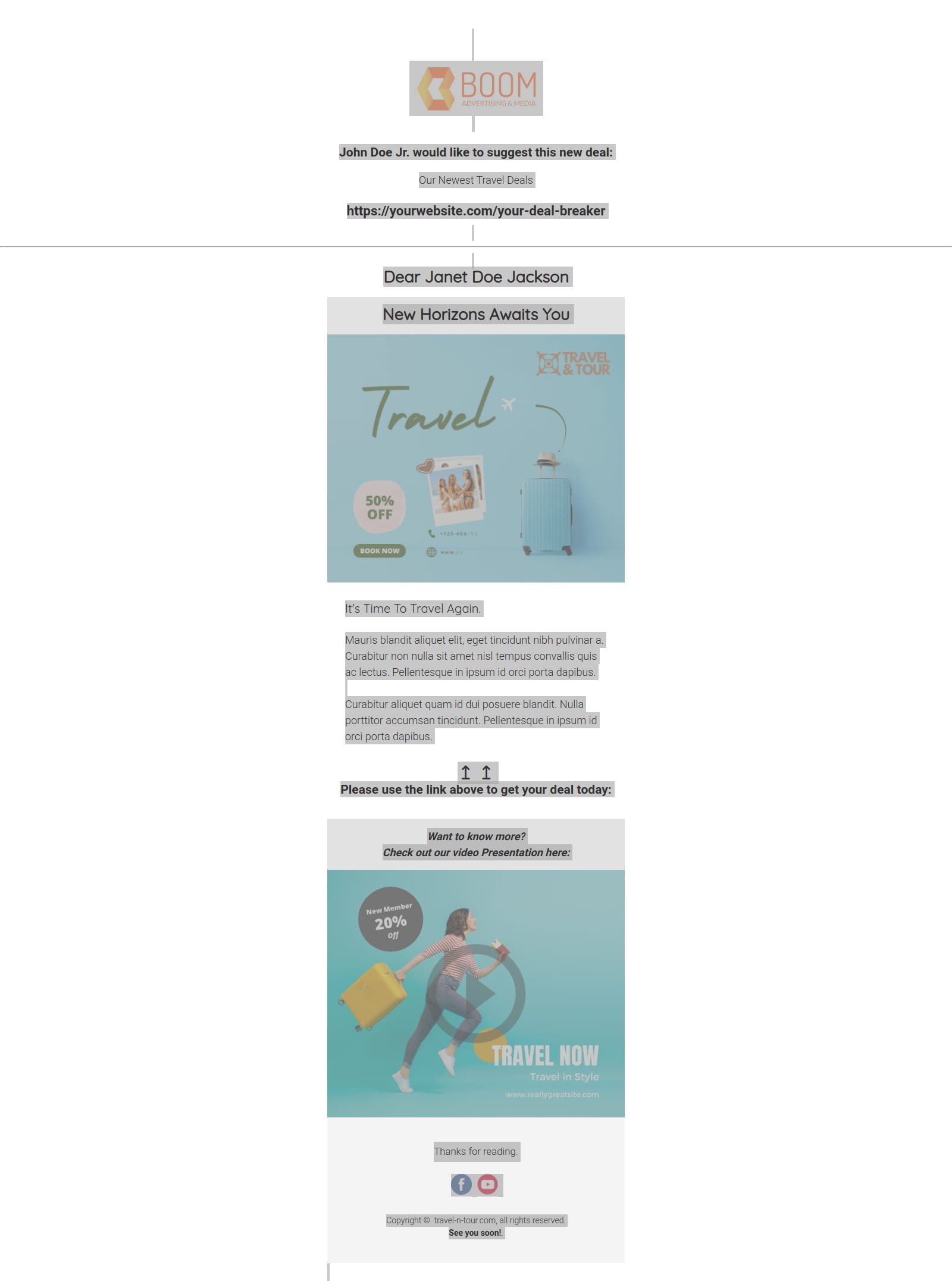
The objectives that the customer had asked for have all been achieved because the email will be sent by the conventional system and as regards sending even 10 to different customers or colleagues it is enough just to refresh the web page, which however does not save any data but only a print on screen and is therefore safe in all respects (Apart from the image logo which is uploaded).
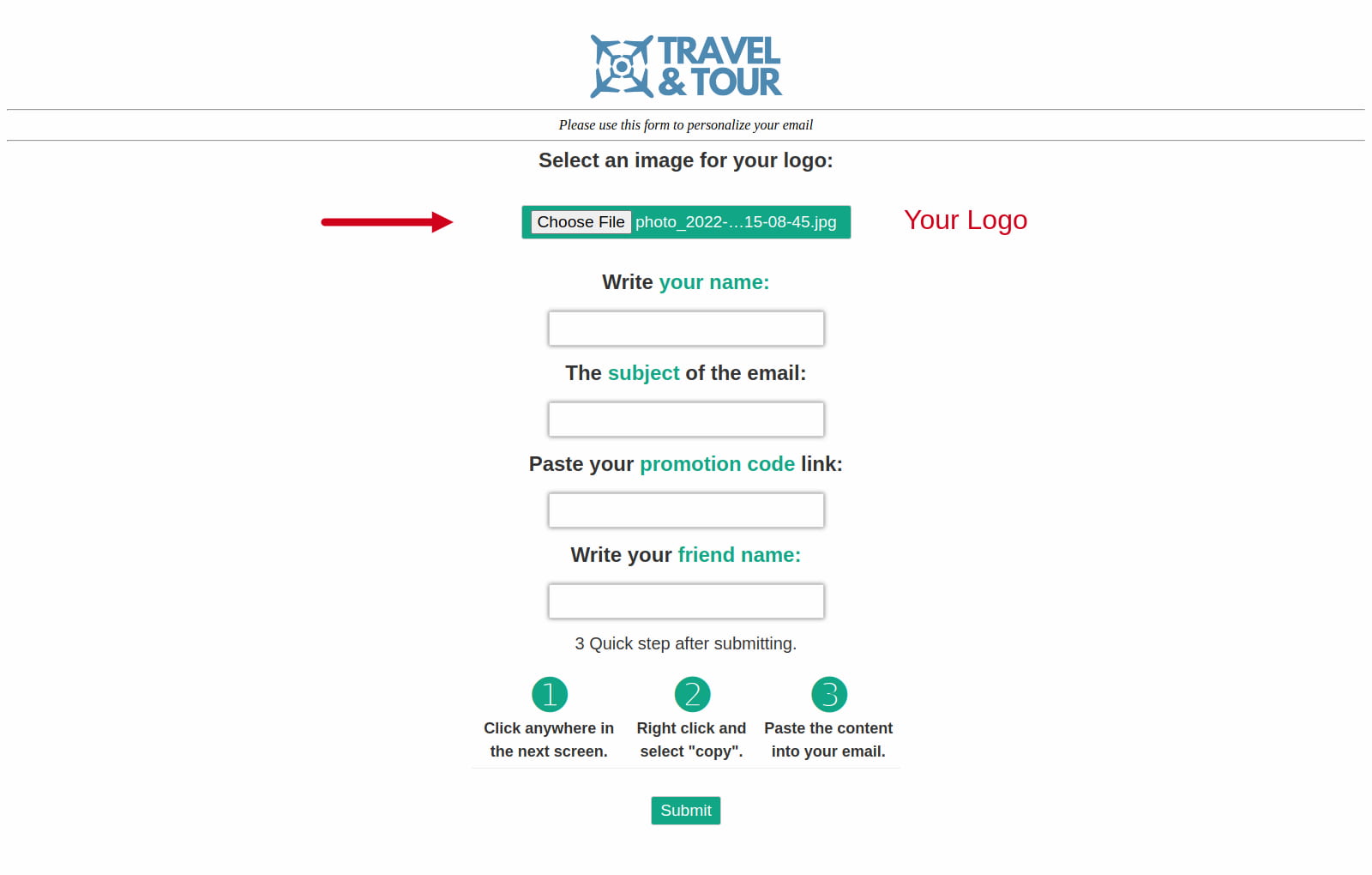
See how it looks on this gallery below:

In conclusion
Well, in conclusion: it will not be something exceptional but in a couple of hours it was already operational and this was a simple and effective solution that made the customer satisfied.
Here is a link to the live demo

Digital Designer, blog writer and also a tech enthusiast.
He loves to write content for blogs, podcasts, design websites, logos, brochures, banners and anything that sends a message to an audience.
You can contact Daniele at the link below: